
Introduction
In the rapidly evolving landscape of software development, the emergence of AI coding assistants and autonomous coding agents has fundamentally transformed how engineers approach complex problem-solving. By acting as intelligent pair programmers, these tools assist in real-time code generation, debugging, and architectural planning, significantly reducing the cognitive load on developers. As we navigate through 2026, integrating the top AI tools for developers is no longer just an advantage but a necessity to stay competitive in the industry.
Understanding what is an AI coding assistant and leveraging the best coding AI models available has now become a cornerstone of maximizing daily output. This guide provides a curated AI coding tools list, comparing the most efficient solutions designed to streamline your workflows and boost overall efficiency. Our goal is to help you focus on high-level innovation rather than repetitive syntax, ensuring you choose the right partner for your development journey.
Our Evaluation Criteria for Best Coding Agents
To provide a truly objective recommendation, we evaluated these tools based on how they impact the daily lifecycle of a developer. Finding the best AI coding assistant requires looking beyond marketing claims to see how these systems perform under real-world constraints. We have focused on three core pillars that define a high-performing tool:
- Productivity and Delivery Speed: We measured how effectively each tool reduces the time spent on boilerplate code, manual refactoring, and repetitive tasks.
- Code Quality and Verification: We analyzed the reliability of the generated output, focusing on how well the tool maintains logic, follows best practices, and minimizes debugging time.
- Integration and Developer Experience: We assessed how seamlessly each AI coding tool fits into existing IDEs (like VS Code or JetBrains) and how intuitive the user interface is for long-term usage.
By prioritizing productivity and delivery speed alongside high-quality integration and developer experience, we ensure that the tools recommended are not just experimental, but capable of scaling with your project needs. We have also kept in mind the standards that defined the best AI coding assistant 2025 landscape, ensuring our 2026 picks represent the next evolution in performance.
The 10 Best AI Coding Tools for 2026
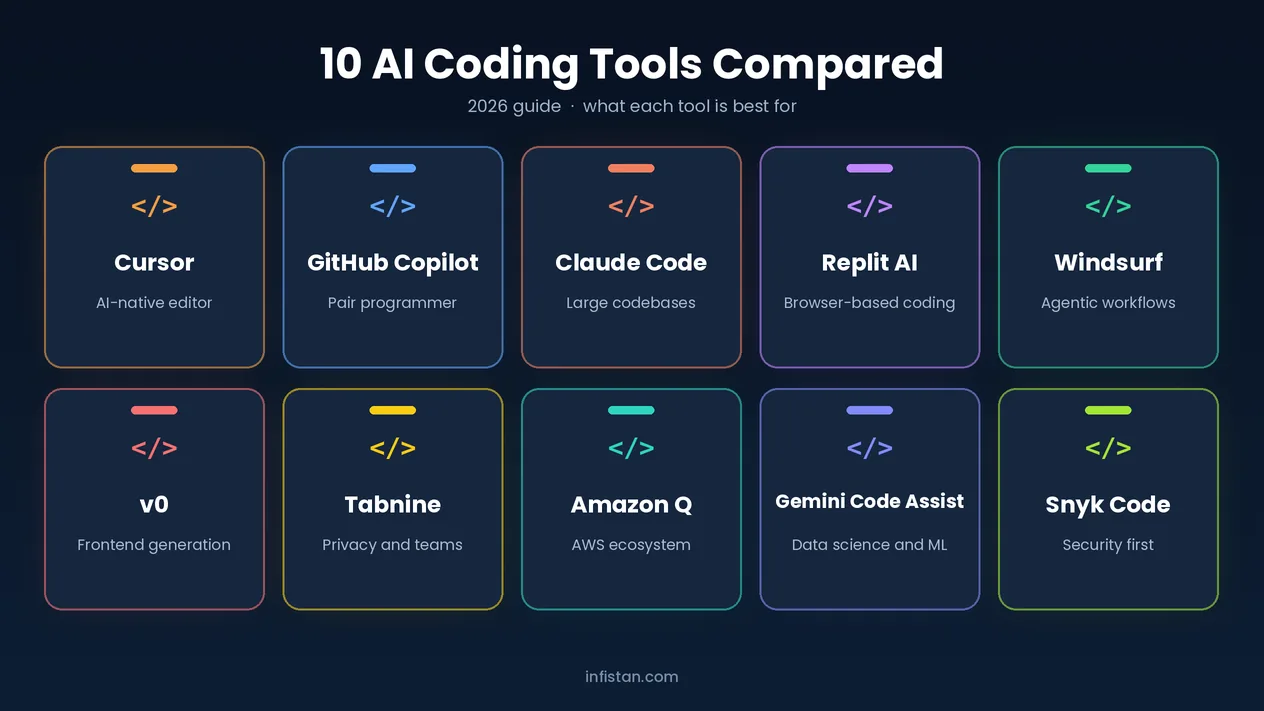
Choosing the right AI coding tool can significantly accelerate your development cycle and streamline complex project workflows. In this section, we have curated a list of the top 10 solutions that stand out for their advanced reasoning, seamless IDE integration, and overall reliability. These tools have been selected to ensure that developers across various skill levels can leverage cutting-edge automation to improve their output and maintain high code standards. Below, we explore the unique strengths of each assistant to help you determine which one best aligns with your technical requirements.
Cursor: The AI-Native Editor
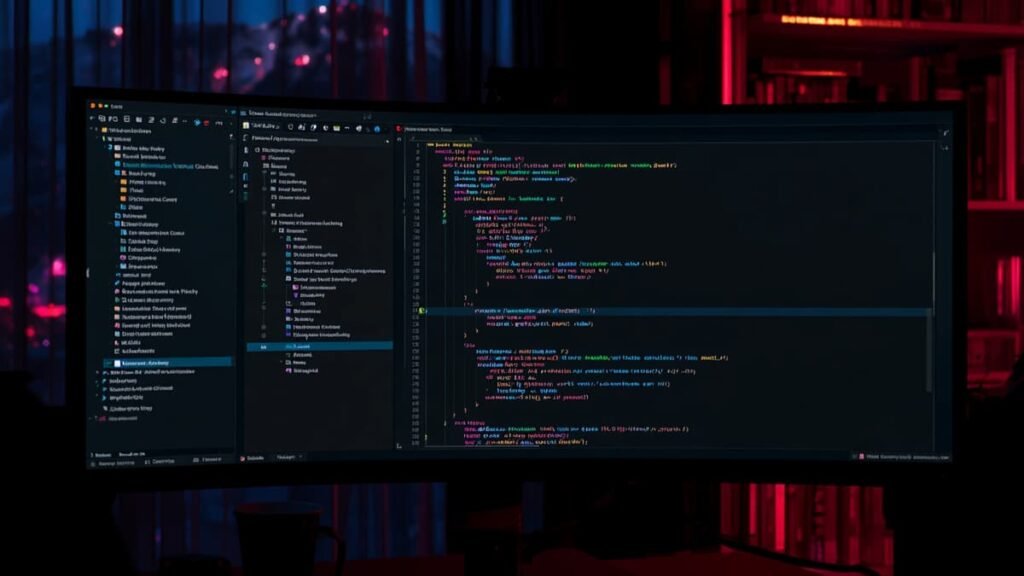
In the rapidly evolving landscape of software development, Cursor has emerged as one of the best AI coding tools for developers in 2026. Unlike traditional editors that treat AI as a secondary plugin, Cursor is built from the ground up as an AI-native IDE, providing a deeply integrated experience that understands your entire codebase.
Why Cursor Stands Out:
- Deep VS Code Integration: Cursor is a fork of VS Code, meaning you can retain all your favorite extensions, keyboard shortcuts, and themes while gaining access to advanced AI capabilities.
- Context-Aware Development: By indexing your files, Cursor acts as a powerful best AI IDE for coding, offering suggestions that are highly relevant to your specific project architecture rather than generic snippets.
- Proactive Coding Agent: As the best coding agent for VS Code, Cursor excels at multi-file edits, debugging complex logic, and automating repetitive tasks, significantly reducing the time spent on boilerplate code.
GitHub Copilot (The Pair Programmer)
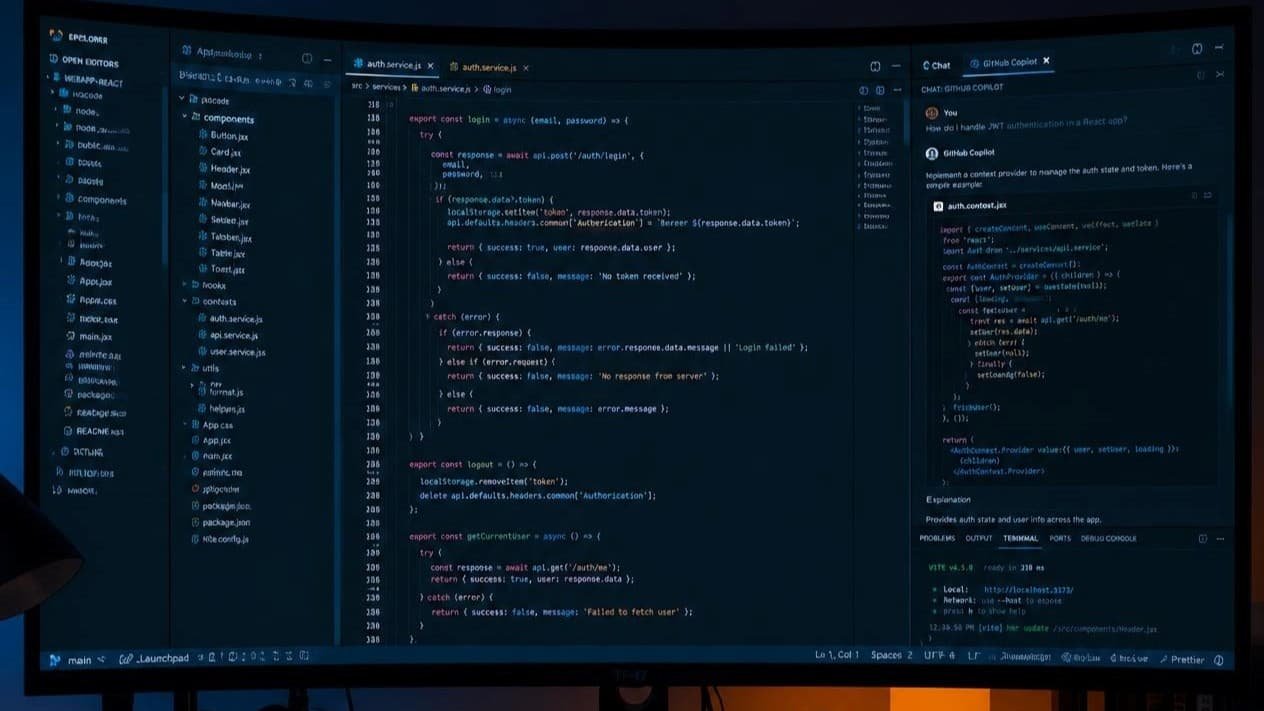
GitHub Copilot has established itself as a premier AI-powered coding assistant, particularly valued for its robust performance in enterprise environments and its sophisticated pair programming capabilities. Here is a breakdown of its strengths as a top-tier tool for software development:
Enterprise-Grade Reliability
- Security and Compliance: Copilot is designed with enterprise needs in mind, offering features that help organizations maintain security standards and intellectual property protections.
- Contextual Understanding: It leverages advanced models to understand vast codebases, allowing it to provide relevant suggestions that align with established project patterns and architecture.
- Scalability: By integrating seamlessly into development workflows, it supports team-wide efficiency, enabling developers to maintain high standards of code quality across large-scale projects.
Advanced Pair Programming Features
- Real-time Code Completion: Copilot acts as a virtual pair programmer, suggesting functions, algorithms, and boilerplate code in real-time, which significantly reduces time spent on repetitive tasks.
- Natural Language to Code: The tool excels at interpreting natural language prompts, allowing developers to describe desired functionality and receive accurate code implementations immediately.
- Iterative Refinement: It supports developers in troubleshooting and refactoring, acting as a collaborative partner that helps optimize code and identify potential improvements throughout the development lifecycle.
As one of the best AI tools for software development, GitHub Copilot serves as an essential companion for developers aiming to streamline their coding process while ensuring their output remains robust and professional.
Claude Code: The Powerhouse for Large Codebases
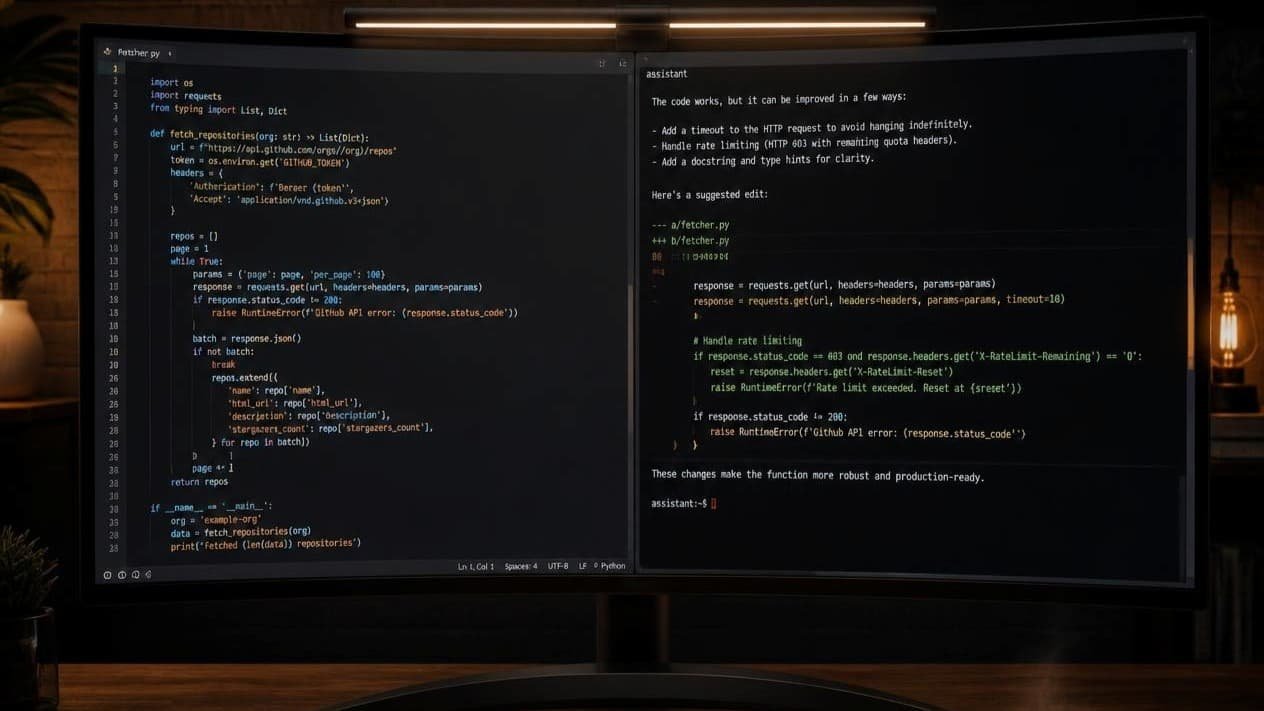
When working with expansive projects that involve hundreds of files and complex architectural dependencies, standard AI models often struggle to maintain context. Claude Code is engineered specifically to bridge this gap, offering superior reasoning capabilities that allow it to navigate, understand, and refactor massive repositories with precision.
Here is why Claude Code stands out in the current landscape of development tools:
- Deep Contextual Reasoning: Unlike general-purpose models, Claude Code is optimized to maintain a coherent understanding of your entire codebase, ensuring that changes made in one module do not inadvertently break dependencies elsewhere.
- Architectural Awareness: It excels at high-level logic, making it the best AI model for coding tasks that require architectural restructuring or complex system-wide updates rather than just snippet-level suggestions.
- Efficiency in Complexity: By leveraging advanced reasoning, it significantly reduces the time spent on debugging large-scale integration issues, which makes it a strong choice for code-heavy workflows where context retention matters.
For developers who want an AI coding agent, Claude Code shows that the future of coding is not just about writing lines of code, but about context-aware engineering across large systems.
Replit AI: The Future of Browser-Based Development
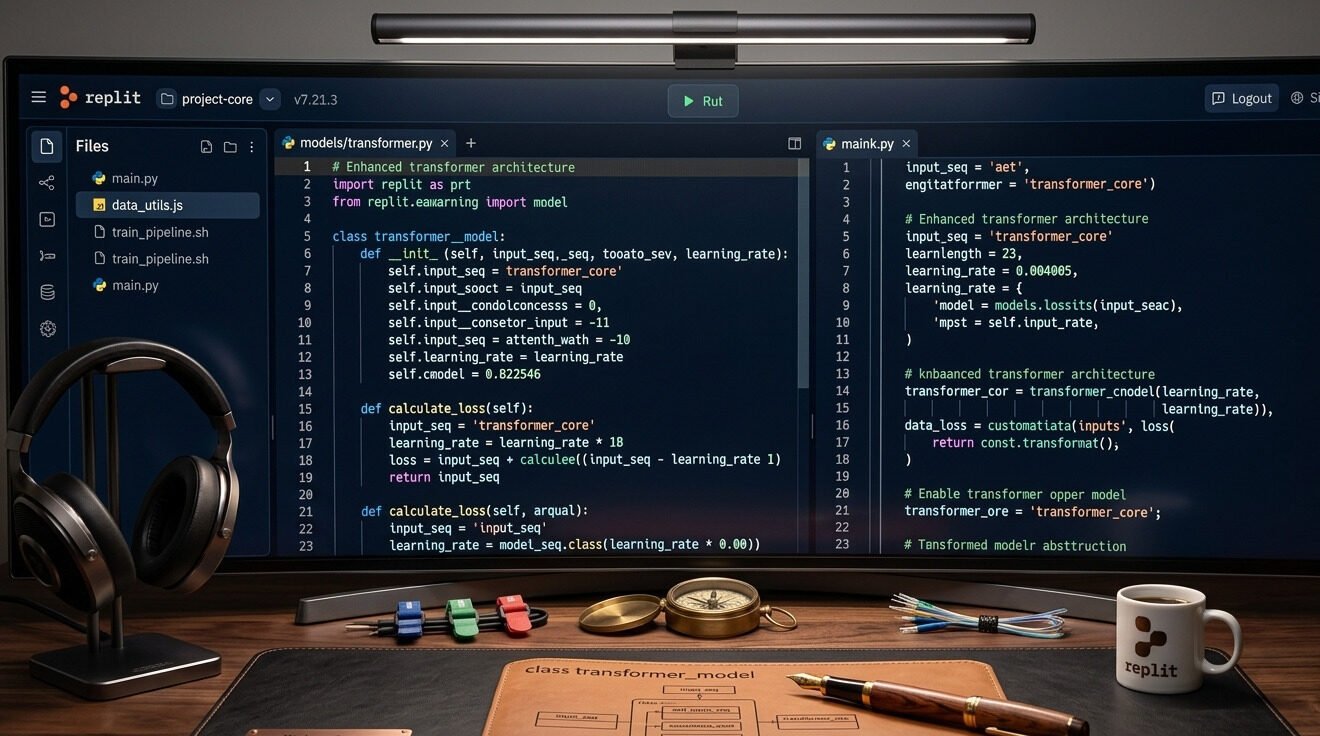
If you are looking for a tool that eliminates the hassle of environment setup, Replit AI is the perfect solution. It offers a powerful, browser-based development environment that is ideal for both beginners and professional developers who prioritize speed and accessibility.
- Browser-Based Power: You do not need to configure any local environments; you can write, run, and deploy your code directly from your browser.
- Beginner-Friendly Experience: Its intuitive interface allows new developers to start their coding journey without technical distractions.
- Built-in AI Assistance: The integrated AI helps you debug code, suggest new features, and write complex logic, solidifying its place among the best AI coding software options.
Windsurf: Advanced Research and Agentic Workflows
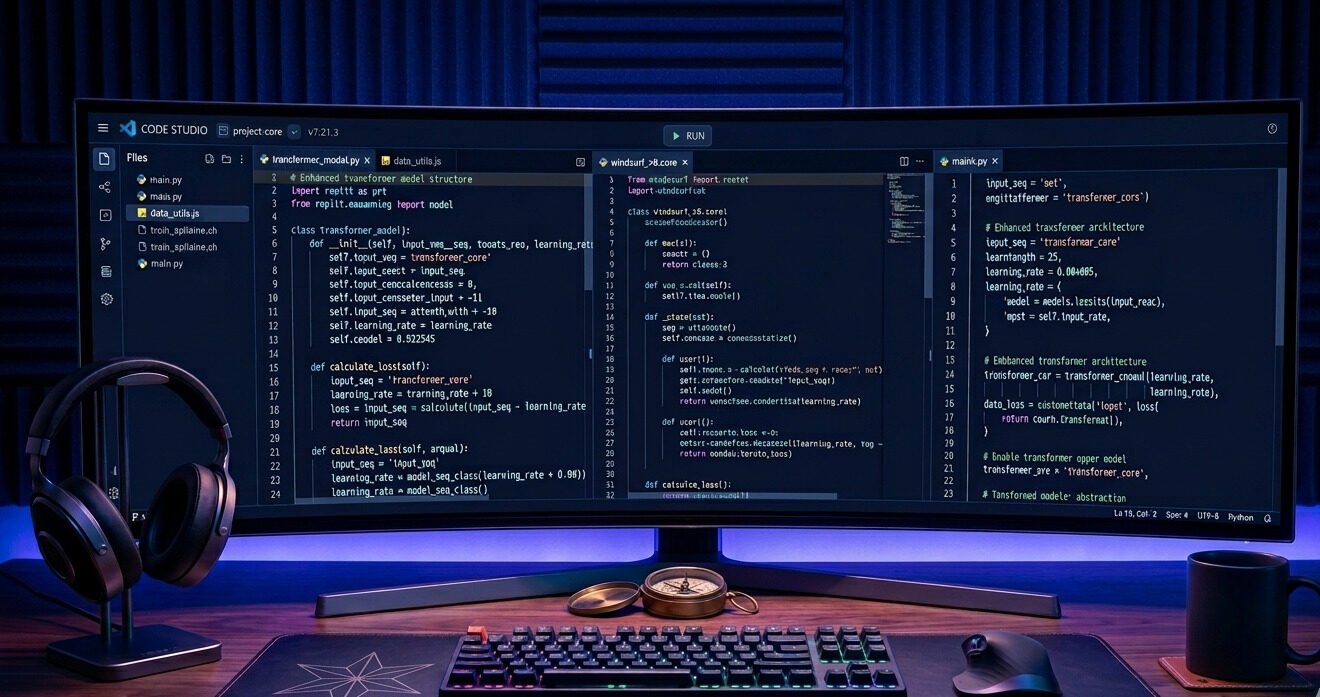
As development moves toward autonomous systems, Windsurf has emerged as a leader in agentic workflows. By combining deep research capabilities with proactive execution, it allows developers to offload complex tasks to an intelligent system that doesn’t just suggest code but actively participates in the development lifecycle.
Here is why Windsurf is a standout choice for high-level engineering:
- Proactive Research Capabilities: Windsurf excels at deep-dive research into your project’s documentation and codebase, allowing it to solve issues that require understanding broad architectural context.
- True Agentic Workflows: It functions as a best coding agent, capable of navigating through files, running terminal commands, and iterating on solutions autonomously rather than just waiting for your next prompt.
- Intelligent Execution: It is currently among the best autonomous code generation tools, designed to handle multi-step tasks such as setting up dependencies or performing complex refactors in a single pass.
If you are evaluating what is the best AI agent for coding, Windsurf is likely the answer for projects that demand high levels of autonomy and advanced research skills. It bridges the gap between simple chat-based assistants and true engineering agents.
v0 by Vercel: The Frontend Generation Specialist
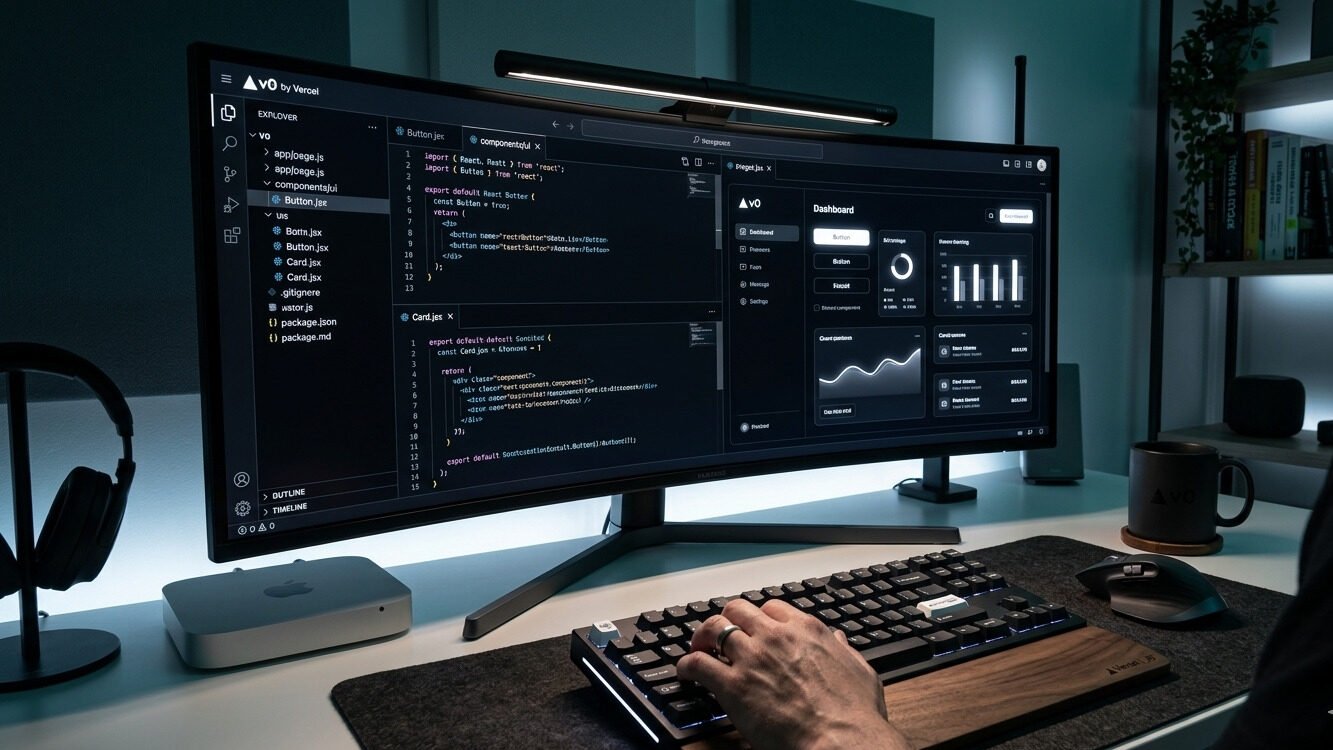
For developers focusing on design-to-code workflows, v0 by Vercel has revolutionized how we build interfaces. It acts as a specialized assistant that transforms natural language prompts into production-ready UI components, bridging the gap between design concepts and functional code with incredible speed.
Here is how v0 excels in modern web development:
- Design-to-Code Precision: v0 understands the nuances of modern component libraries (like Shadcn UI and Tailwind CSS), making it arguably the best AI for frontend development when you need high-fidelity layouts quickly.
- Polished UI Generation: Unlike general-purpose assistants, v0 is specifically trained to create visually appealing and responsive interfaces, effectively acting as the best AI frontend tool for developers who want to skip the tedious styling process.
- Iterative Refinement: It allows you to refine specific design elements through chat, making it an excellent best HTML coding AI for developers who need to iterate on UI components without constantly switching back and forth between design tools and code editors.
By automating the UI scaffolding process, v0 lets developers spend less time on styling boilerplate and more time on integrating backend logic and user experience flows. If you design websites and prefer visual builders over code, our guide to the best AI web development tools for designers covers no-code options like Framer and Webflow.
Tabnine: Privacy and Team Collaboration First
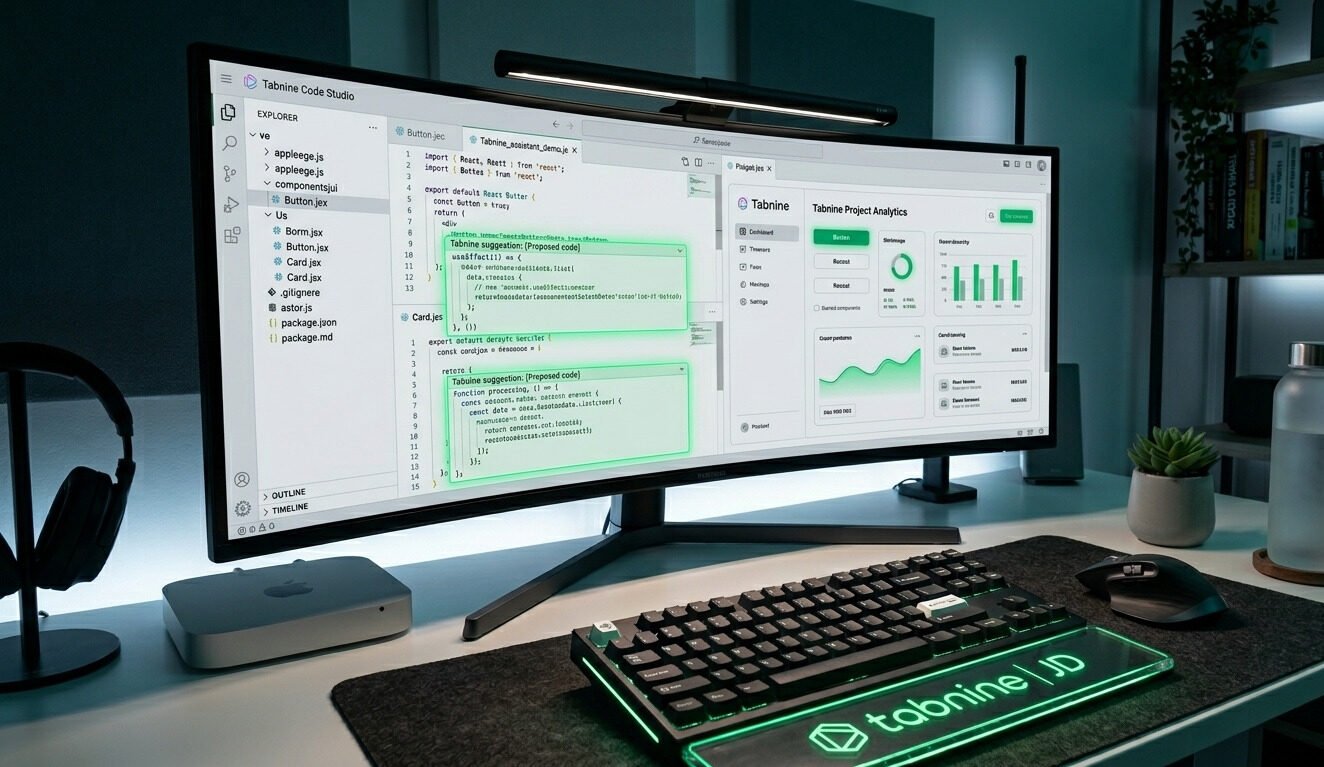
For developers working in environments where data security and intellectual property are non-negotiable, Tabnine provides a reliable, privacy-centric alternative. It is designed to integrate seamlessly into professional workflows, ensuring that your code remains yours while still benefiting from cutting-edge predictive suggestions.
Here is what makes Tabnine a top choice for teams:
- Privacy-First Architecture: Unlike models that train on public data, Tabnine offers isolated, self-hosted, or VPC-based deployments, ensuring your sensitive codebase never leaves your environment.
- Team-Centric Customization: It learns your team’s unique coding style and internal libraries, becoming one of the best AI tools for programming when consistency across a large engineering team is the primary goal.
- Performance and Reliability: As one of the best coding tools in the enterprise space, Tabnine minimizes latency by running locally or on dedicated private cloud instances, making it highly effective for offline or restricted-network environments.
By prioritizing localized learning and strict data controls, Tabnine stands out among the best coding AI models, making it an ideal partner for organizations that demand high-level security without compromising on AI-driven productivity.
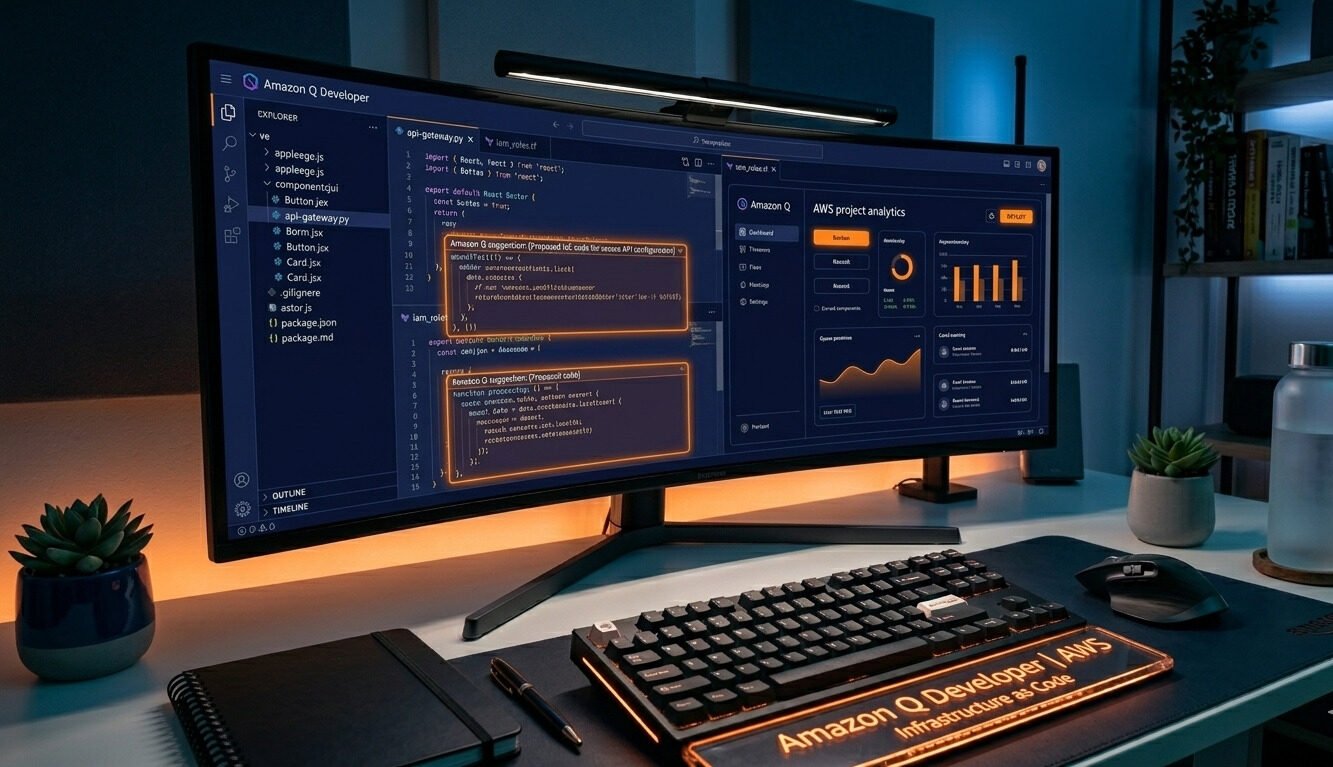
Amazon Q Developer: Optimized for the AWS Ecosystem
For developers deeply embedded in the cloud-native landscape, Amazon Q Developer is an indispensable asset. It is built specifically to streamline workflows within the AWS ecosystem, providing expert-level guidance on cloud architecture, security, and infrastructure deployment directly within your development environment.
- Cloud-Native Expertise: It offers specialized insights for building on AWS, helping you write more efficient cloud-ready code while adhering to best practices for security and cost-optimization.
- Infrastructure Integration: As one of the top AI coding assistants, it simplifies the process of configuring services, debugging cloud deployments, and troubleshooting serverless functions.
- Contextual AWS Awareness: By understanding the nuances of AWS services, it stands out as the best AI tool coding for developers who need to manage complex cloud resources without constantly context-switching to the documentation.
Whether you are performing infrastructure-as-code tasks or refactoring legacy services for the cloud, Amazon Q Developer acts as a highly specialized partner. Its deep integration makes it the best coding AI for teams that prioritize high-performance, secure, and scalable cloud solutions.
Gemini Code Assist: Empowering Data Science and ML Workflows
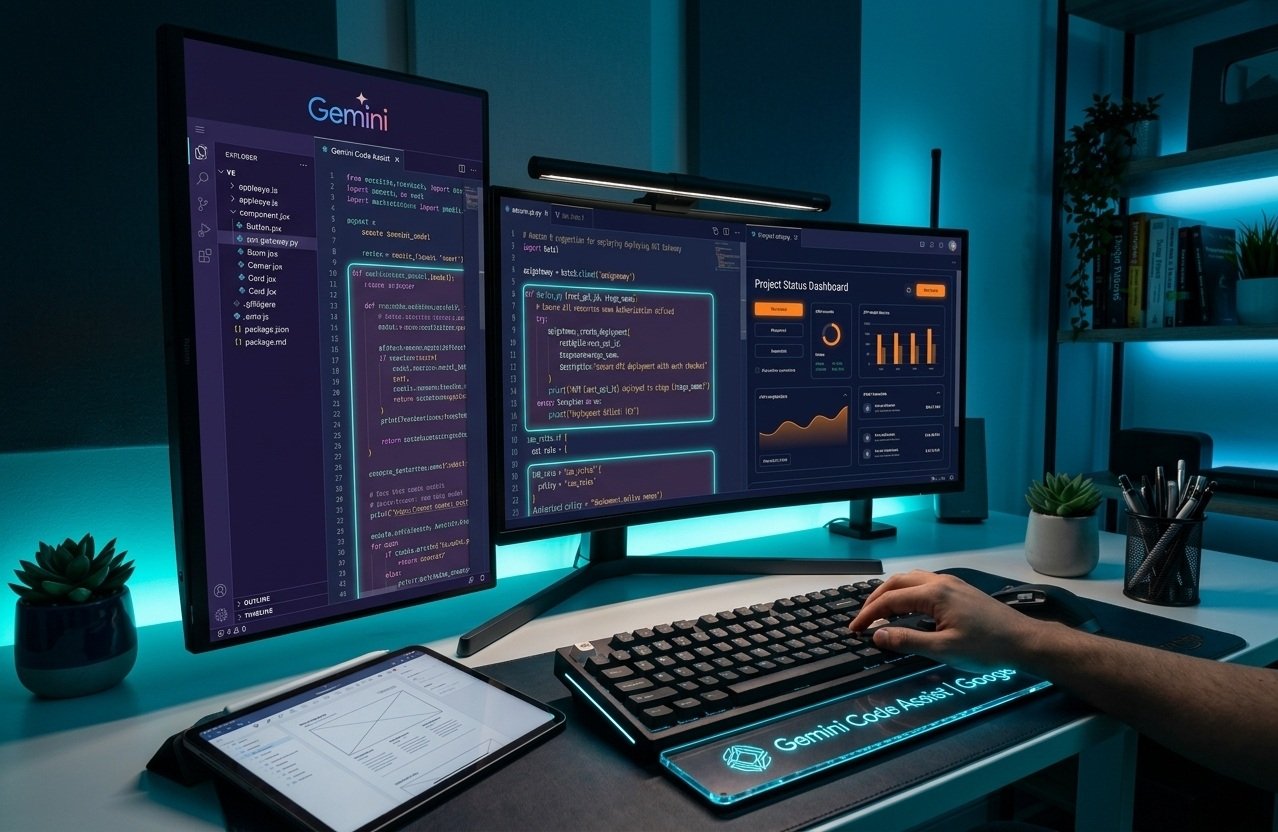
For developers working extensively within the Google ecosystem or handling data-intensive projects, Gemini Code Assist is a formidable companion. Its deep integration with Google Cloud and advanced reasoning capabilities make it uniquely suited for managing complex data science pipelines and machine learning experiments.
Here is why Gemini Code Assist is a top-tier choice for data professionals:
- Google Ecosystem Synergy: It provides native integration with BigQuery, Colab, and other Google Cloud services, making it the best AI for Python developers who rely on Google’s infrastructure for data processing and model training.
- Data-Heavy Task Handling: With its massive context window and advanced reasoning, it is exceptionally efficient at analyzing large datasets and writing complex scripts for preprocessing or feature engineering.
- Scripting Efficiency: Whether you are building predictive models or data visualization tools, it serves as the best AI for Python scripting, providing accurate, performance-optimized code that respects common libraries like Pandas, NumPy, and TensorFlow.
By understanding the intricacies of modern data workflows, it has positioned itself as the best AI for Python code generation, allowing data scientists to focus on analytical insights rather than the overhead of repetitive coding tasks.
Snyk Code: Security-First Development and Auditing
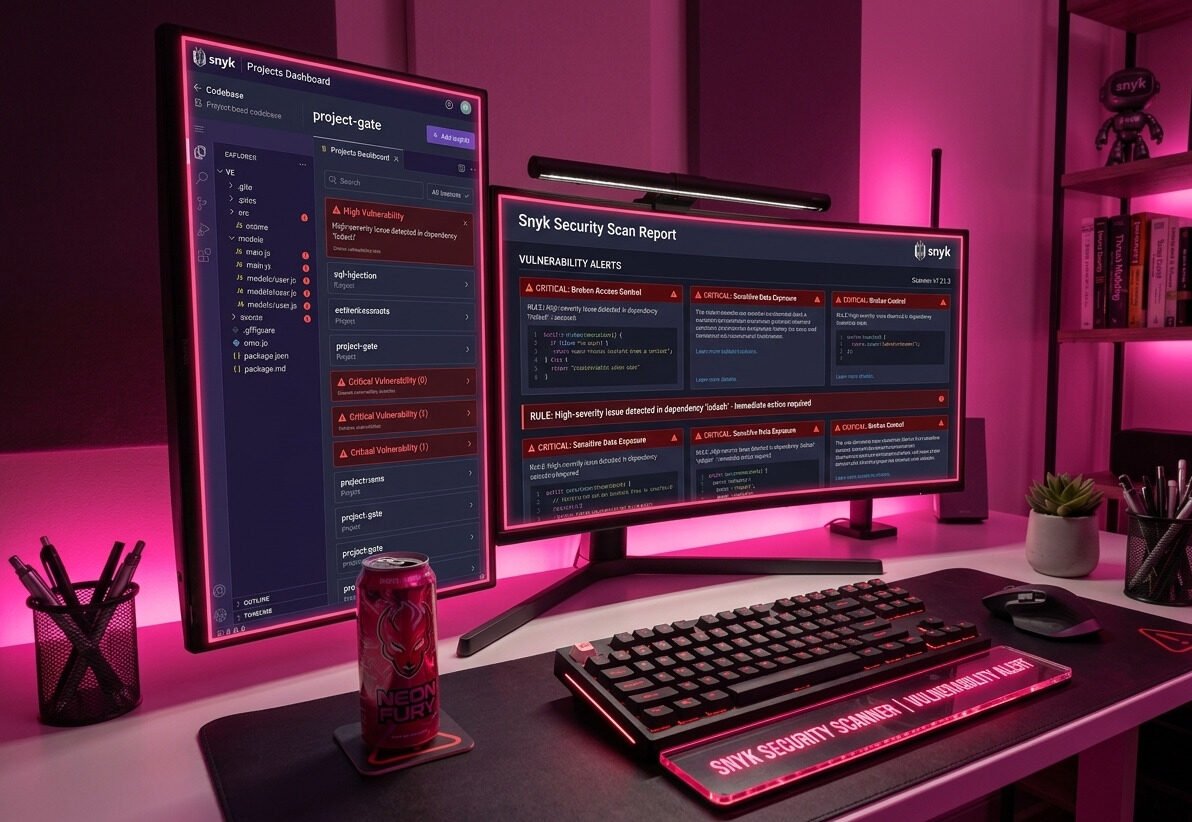
In an era where cyber threats are becoming increasingly sophisticated, security cannot be an afterthought. Snyk Code focuses on integrating robust security scanning directly into the development workflow, allowing engineers to identify and remediate vulnerabilities in real-time as they write their code.
Here is why Snyk Code is essential for secure software development:
- Real-Time Vulnerability Scanning: It provides instant feedback on security flaws, making it the best AI for code debugging when you need to proactively identify potential exploits before deployment.
- Intelligent Code Auditing: By scanning your logic for insecure patterns, it serves as the best AI for code review, helping teams maintain compliance and security standards without slowing down the development cycle.
- Fix-Oriented Insights: Unlike scanners that just report issues, Snyk offers actionable suggestions to fix vulnerabilities, positioning it as one of the most effective code optimization tools for building resilient, enterprise-grade applications.
By embedding security checks into the IDE, Snyk Code empowers developers to take ownership of their security posture, ensuring that code is not only functional and efficient but also inherently secure.
Which AI Coding Assistant is Best for Your Workflow?
Choosing the right tool depends largely on your specific development goals and current proficiency level. To help you navigate these options, the table below provides a quick breakdown of the most effective solutions based on your primary development needs.
| Developer Type | Recommended Tool | Why It Fits |
| Beginners | Replit AI | Easiest setup, browser-based, and ideal for learning without configuration hurdles. |
| Web Developers | Cursor / v0 | Unmatched integration for building UI components and managing full-stack workflows. |
| Enterprise Teams | GitHub Copilot / Tabnine | Provides superior security, privacy, and team-wide consistency for large codebases. |
| Cloud/Data Experts | Amazon Q / Gemini | Specialized for AWS infrastructure and data-heavy Python scripting tasks. |
When deciding which is the best coding AI assistant, consider that most platforms offer trial versions or tiers that serve as excellent free AI coding assistants to help you test the waters. If you are specifically focused on building responsive sites, you might wonder which AI is best for web development—for that, we recommend combining an AI-native IDE like Cursor with a UI-generation tool like v0. Ultimately, your choice should be dictated by your specific tech stack and how much autonomy you want your coding assistant to have in your daily routine.
Choosing the Right Tool: Mistakes to Avoid
Selecting the right AI assistant is a critical decision, yet many developers fall into traps that can hinder rather than help their productivity. When dealing with complex projects or data science workflows, the most common mistake is assuming that a “one-size-fits-all” solution exists. Relying solely on a general-purpose model for specialized tasks often leads to context loss, where the tool fails to understand specific library dependencies or architectural constraints of your codebase.
Another pitfall involves overlooking the long-term impact of AI coding assistant pricing; while some tools might seem cost-effective initially, they may lack the enterprise-grade security or long-context windows required for large-scale engineering, leading to hidden costs in troubleshooting and data management. Many developers make the error of simply following a coding AI ranked list without verifying if the tool integrates with their existing IDE or cloud stack.
Finally, do not be swayed by marketing buzzwords. The best AI tool for code is not necessarily the one with the most hype, but the one that respects your data privacy and maintains its accuracy over long, complex sessions. Always evaluate a tool based on how it handles your specific technical debt rather than its ability to generate simple snippets, as the wrong choice in a data-heavy project can lead to more refactoring work than simply writing the code manually.
Final Thoughts & Conclusion
As we look toward the future, it is clear that we are moving beyond simple code completion into an era of intelligent, agentic engineering. The evolution of the best GenAI for coding is transforming developers from manual typists into system architects who orchestrate AI agents to handle the heavy lifting. While the market is flooded with various options, determining which AI tools are best for coding comes down to how well these models adapt to your specific workflow, whether it’s for a solo prototyping project or a complex enterprise deployment.
The best AI coding models of 2026 and beyond are those that offer deep context, prioritize security, and maintain the nuance required for sophisticated logic. However, it is vital to remember that AI is a co-pilot, not a replacement for human judgment. As these technologies continue to advance, staying flexible with your toolkit—and learning how to prompt effectively—will be the most valuable skill for any developer. The key is to embrace these advancements not just for speed, but for the ability to push the boundaries of what you can build. And once your project is live, our list of the best AI SEO tools can help it get found on Google and in AI search.
Frequently Asked Questions (FAQ) About AI Coding Tools
Here are short answers to the questions developers ask most often before choosing an AI coding tool.
What is the best AI coding tool in 2026?
There is no single best tool for everyone. The right choice depends on your work. Cursor and v0 suit web developers, Replit AI suits beginners, GitHub Copilot and Tabnine suit enterprise teams, and Amazon Q Developer and Gemini Code Assist suit cloud and data work. The comparison table above shows which tool fits each type of developer.
Which AI coding tool is best for beginners?
Replit AI is the easiest starting point because it runs in the browser and needs no setup. You can write, run, and share code in one place while the AI explains what it is doing.
Are there free AI coding tools?
Yes. Most of the tools in this list offer a free tier or a free trial with limits on usage. However, free plans change often, so check the official pricing page of each tool before you rely on it for daily work.
What is the difference between Cursor and GitHub Copilot?
Cursor is a standalone code editor built around AI. GitHub Copilot is an assistant that works inside editors you may already use, such as VS Code and JetBrains IDEs. Choose Cursor if you want an AI-first editor, and Copilot if you want to keep your current setup. For terminal-based AI agents, see our Codex vs Claude Code comparison.
Can AI coding tools replace developers?
No. These tools speed up routine work such as boilerplate, tests, and refactoring, but they still make mistakes. A developer has to review the code, understand the project, and make the design decisions.
Is AI-generated code safe to use?
Not always. AI-generated code can contain bugs or security flaws, so it should be reviewed and tested like any other code. A security scanner such as Snyk Code can help catch problems early. If you build websites, also see our guide to AI web development tools.
